LED Face Mask with 66 LED Beads,Photon Mask with Ice Pack,2500mAh Battery LED Face Beauty Machine Photon FacialSkin Care Machine


LED Face Mask with 66 LED Beads,Photon Mask with Ice Pack,2500mAh Battery LED Face Beauty Machine Photon FacialSkin Care Machine
LED Face Mask
Brand Name: NONE
Certification: CE
Commodity Quality Certification: ce
Function: Whitening,Blemish Removal,Skin Mouisture,Anti-Acne,Skin Rejuvenation,Facial Clean,Anti Wrinkle,Skin Tightening,Dead Skin Removal
High-concerned chemical: None
Is Batteries Included: Yes
Material: Resin
Medical supervision required?: N
Number of Pieces: One Unit
Origin: Mainland China
Power Source: Rechargeable battery,Rechargeable battery
Standard Voltage: 110V(不含)-220V(不含)
Voltage: Below-50V AC (Safety Extra-Low Voltage AC, SELV AC)
Working Principle: Others
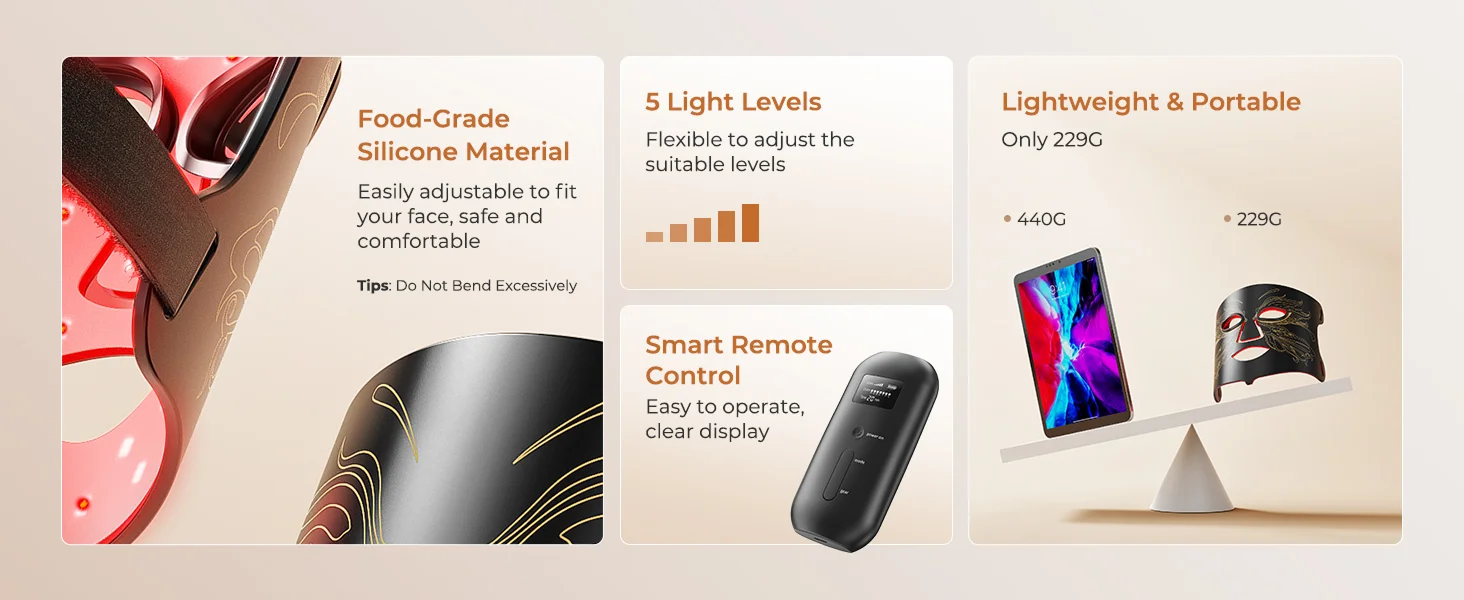
Features:
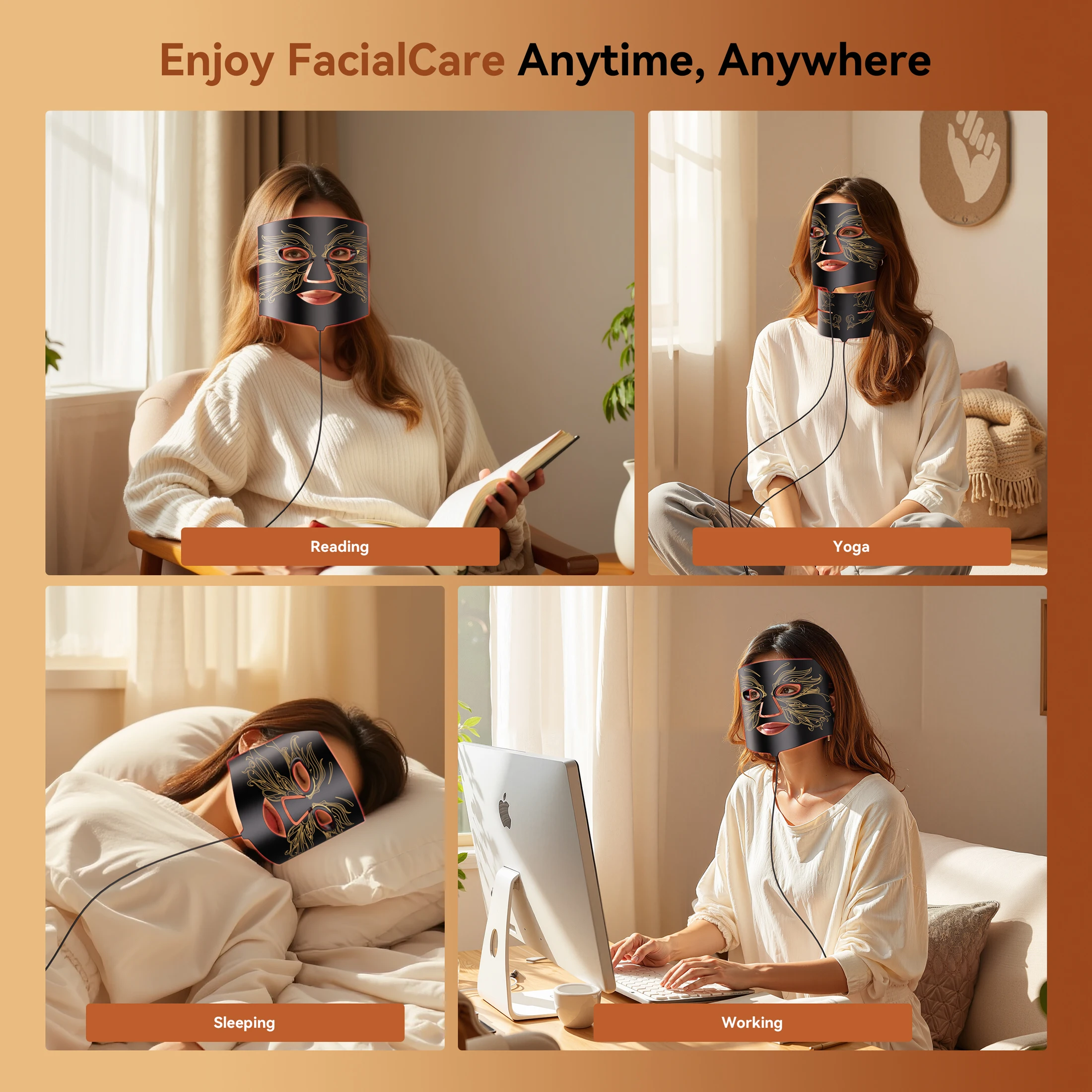
1. Superior battery life: Enhanced battery capacity over existing models extends usage time to over 2 hours
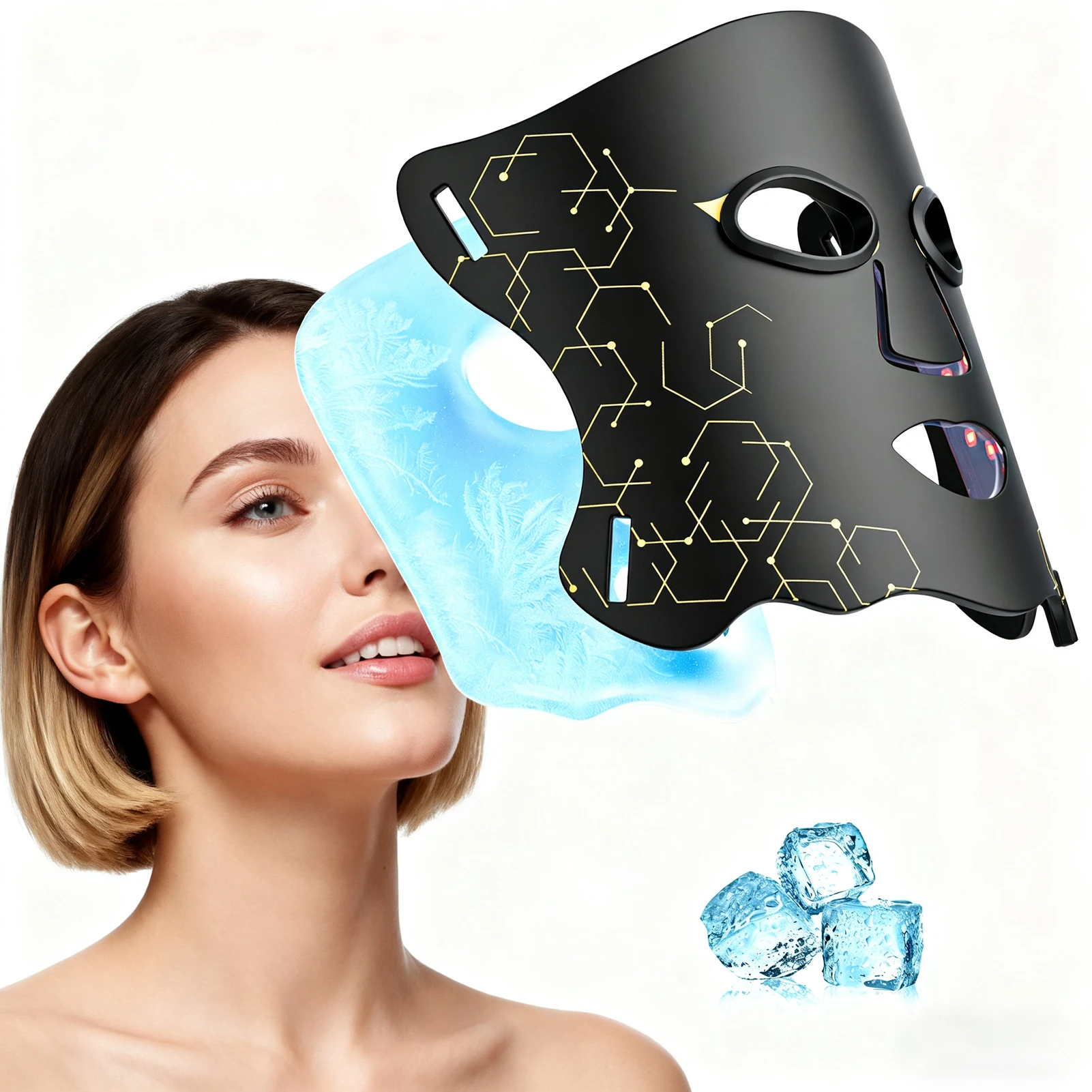
2. Enhanced cooling efficacy:
- First innovation: Integrates ice therapy into the red light mask.
- Second innovation: Ice packs utilize eco-friendly rapid-cooling fluid.
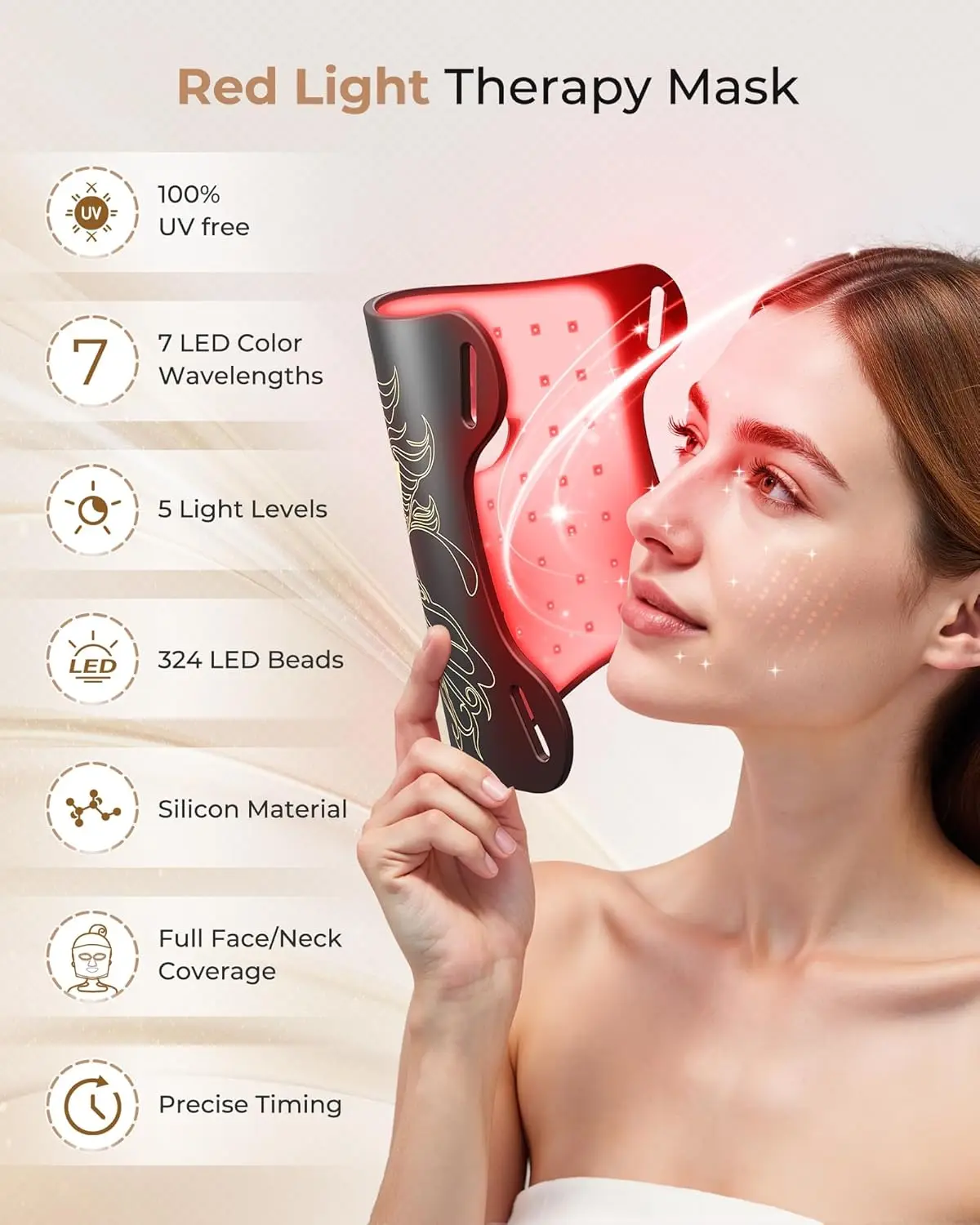
3. LED Performance: Upgraded from compact LEDs to larger-volume LEDs, significantly increasing coverage area and light intensity.
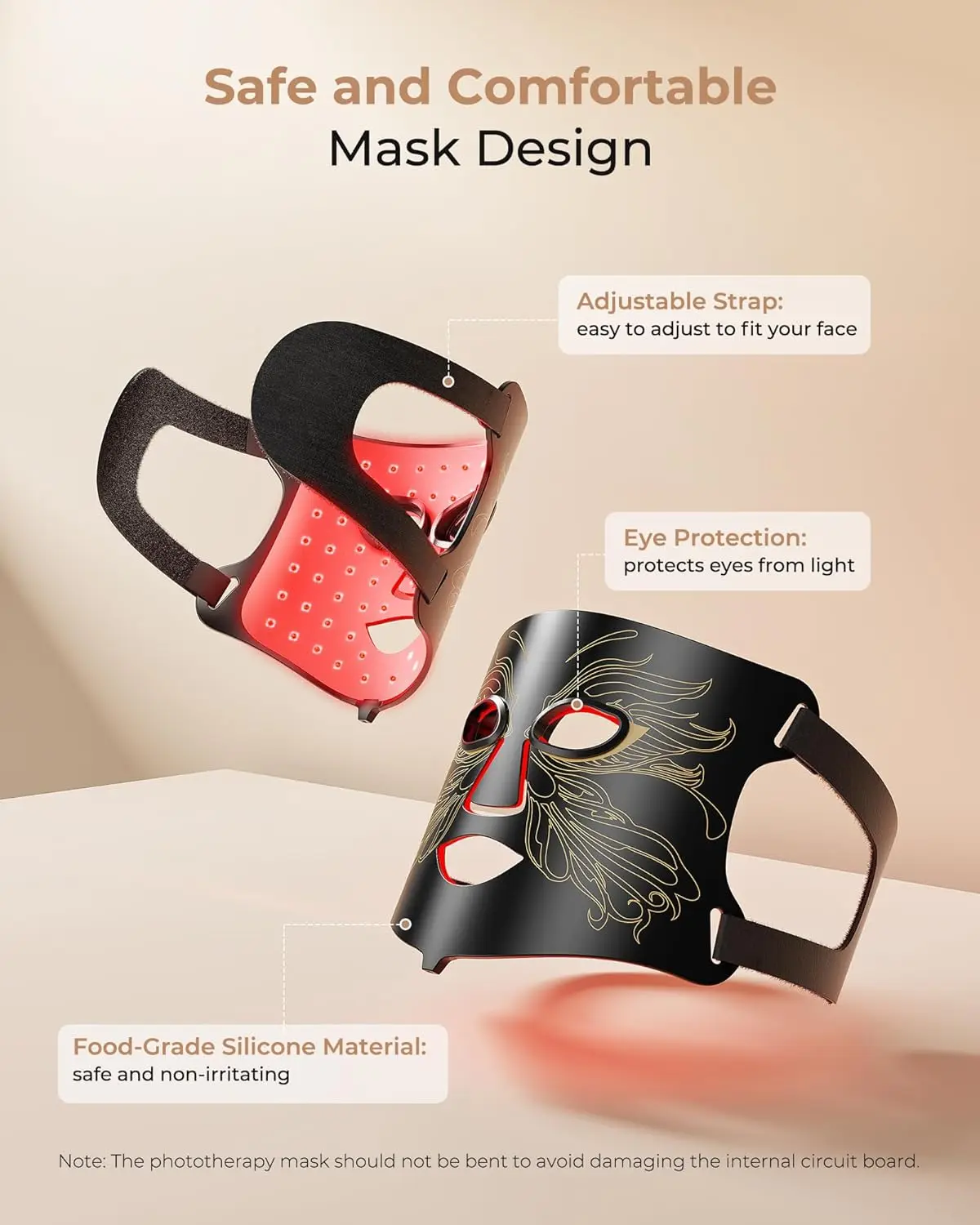
4. Safe Materials: Constructed with food-grade silicone for lightweight comfort and easy wearability.
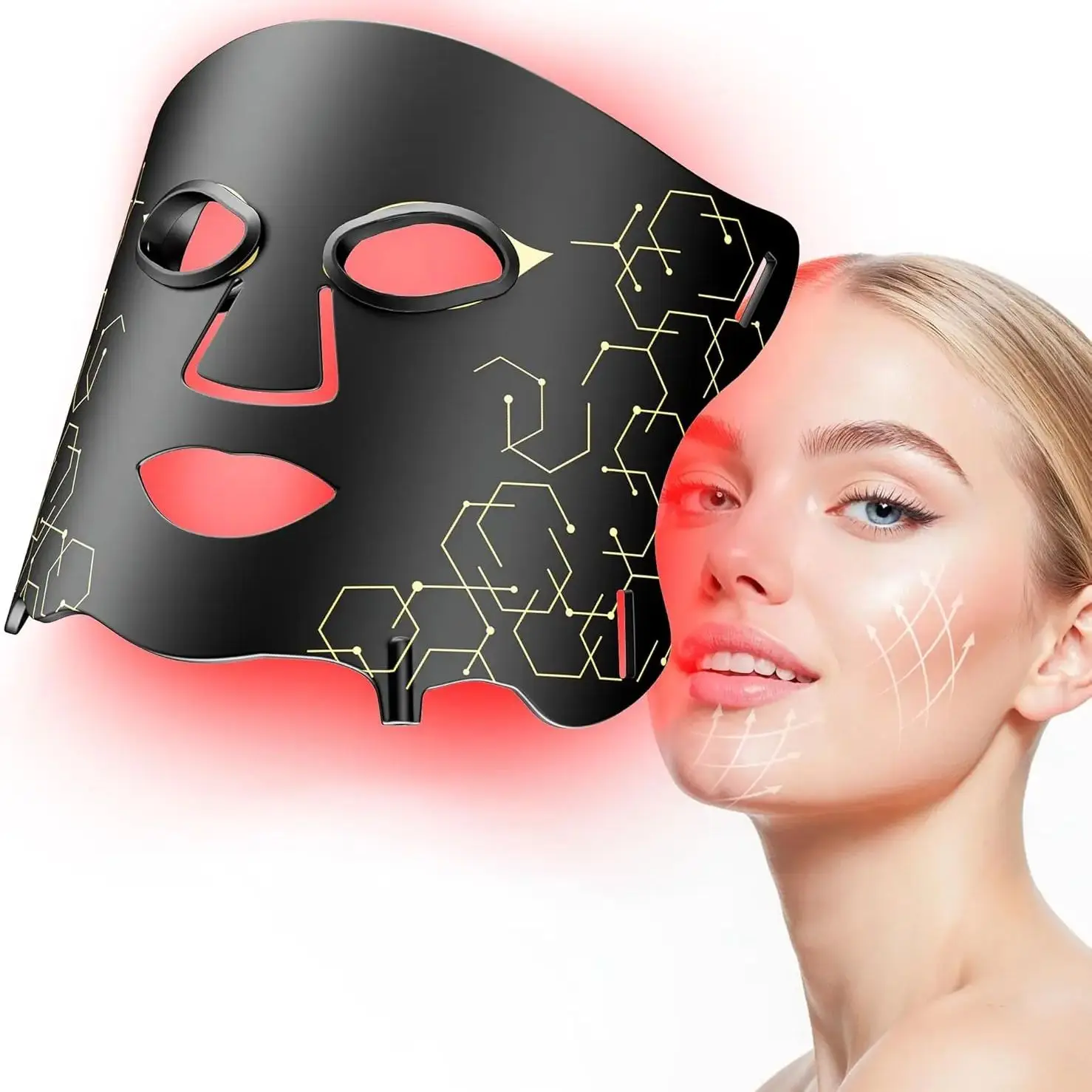
Product Specifications
Product Materials: Silicone, ABS, Gel, Magnets
Rated Input: DC 5V/1A
Battery Specifications: 2500mAh, 3.7V
LED Wavelengths: Red: 630nm; Green: 520nm; Blue: 460nm
LED Quantity: 66 LEDs (5050 RGB) per panel
Product Dimensions: Mask Device: 330*200*4mm; Controller: 118*55*28.5mm
Cable Length: Mask Cable & USB Male Connector: 1m
Power Cable (USB-C to USB-A): 1m
Accessory List: Controller*1, Headband*1, Manual*1, Type-C Charging Cable*1, Eye Mask*1 pair, Ice Pack*1
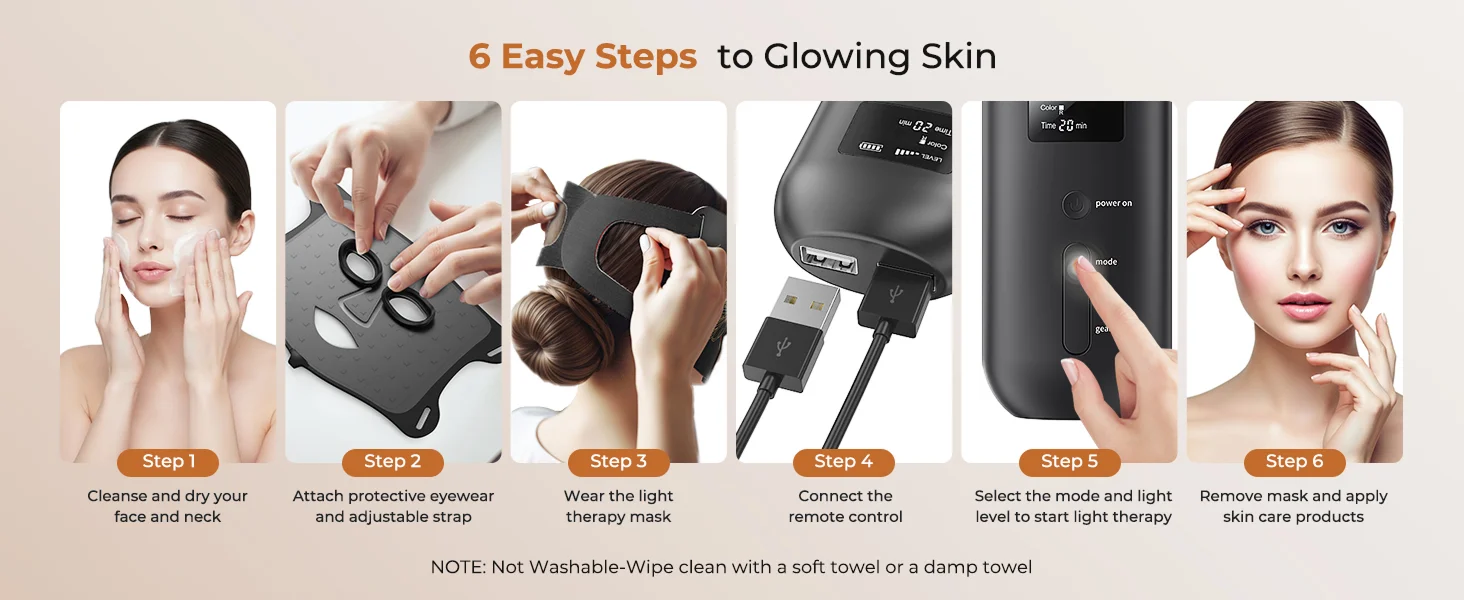
Usage Instructions:
1. Press and hold the “P/B” button for 2.0 seconds. A single ‘BI’ beep will sound, indicating the device has powered on. It will default to the last light color and power level used during the previous session. The screen will illuminate and display the current “Power Level - Battery Level - Light Color - Time (10-minute countdown)”.
2. To select light mode, briefly press the “color” button. The buzzer will emit a ‘BI’ tone. You can cycle through the seven light modes—“Red (R), Green (G), Blue (B), Yellow (Y), Purple (P), Cyan (C), White (L)”—with each press, and the screen will display the corresponding light mode.
3. In any operating gear, press and hold the “Power” button for 2.0 seconds. The buzzer emits a “BI” tone, the device powers off, and enters sleep mode.
4. Gear selection: After powering on, briefly press the “P/B” button. The buzzer emits a corresponding ‘BI’ tone, cycling through “Gear 1 - Gear 2 - Gear 3”. The screen displays the selected gear.
5. Default startup time is 10 minutes. Press the “Time” button once to increment the time by 5 minutes, adjustable to 10-15-20-25-30 minutes;
6. After shutdown, restarting the device will return to the mode and setting used before shutdown (memory function);
7. Low battery voltage: When battery voltage drops below 3.4V, the buzzer emits a single “BI” alert and the device automatically shuts down.
8. During charging, the battery indicator lights up sequentially from left to right. Once fully charged, the indicator remains lit. Supports simultaneous charging and use.